

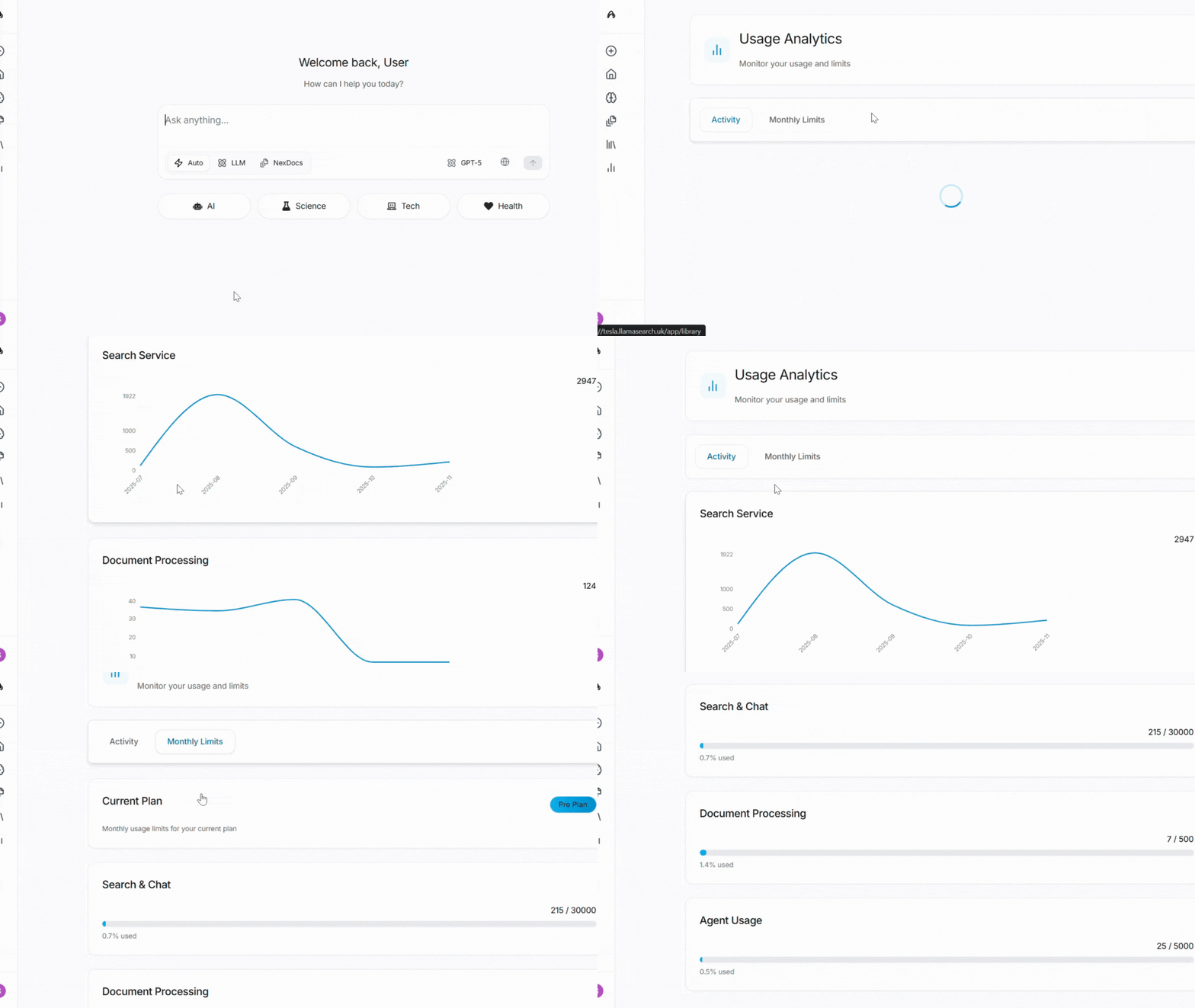
What you can see
- Searches
- File uploads
- How that compares to your daily limits
Plans
Limits match Usage access: free exploration, waitlist for higher limits. Anonymous use is more tightly capped than a signed-in free account.How to open it
- Open the account menu at the bottom of the sidebar
- Click Settings
- Open the Usage tab