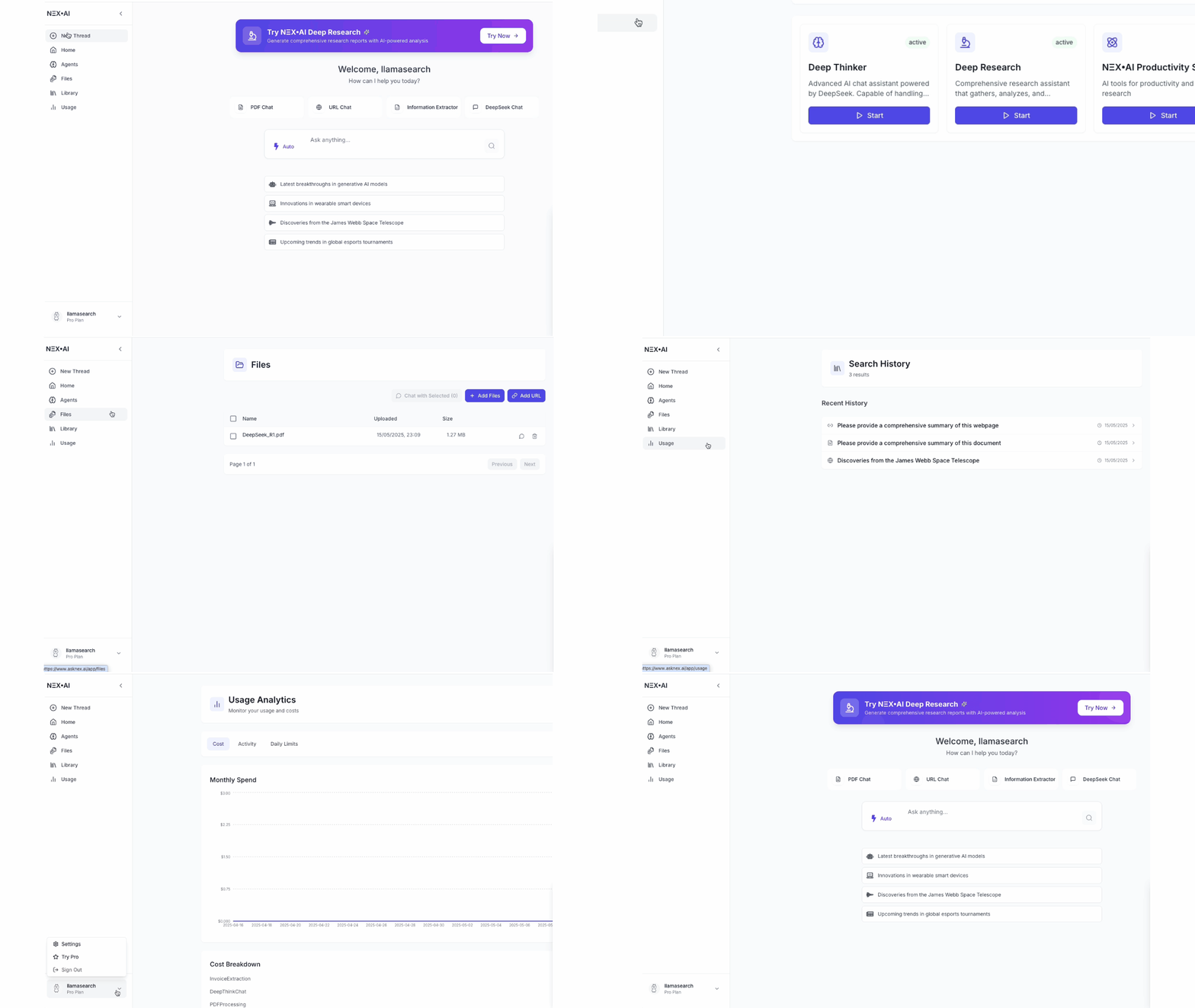
asknex is a single workspace: Home for Ask / NexDocs, Library for history and files, Settings from the account menu. Sidebar
  • New Chat — open Home and start a thread
  • Library — threads, bookmarks, and files
  • Account menu (bottom of the sidebar) — Settings, appearance, higher limits, community, sign out
There is no Agents item. Skills are in Settings → Skills. Usage is Settings → Usage. The sidebar can collapse to icons. On small screens it opens as a drawer.

Home composer

On Home, pick Ask or NexDocs, then type. Ask can enable Web, Image, Skills, and Connectors for that chat.

Settings

Open Settings from the account menu. Tabs include General, Account, Privacy, Usage, Skills, Connectors, and (for platform admins) Platform.

Library

Every finished thread is in Library. Open it to continue, bookmark, or share.